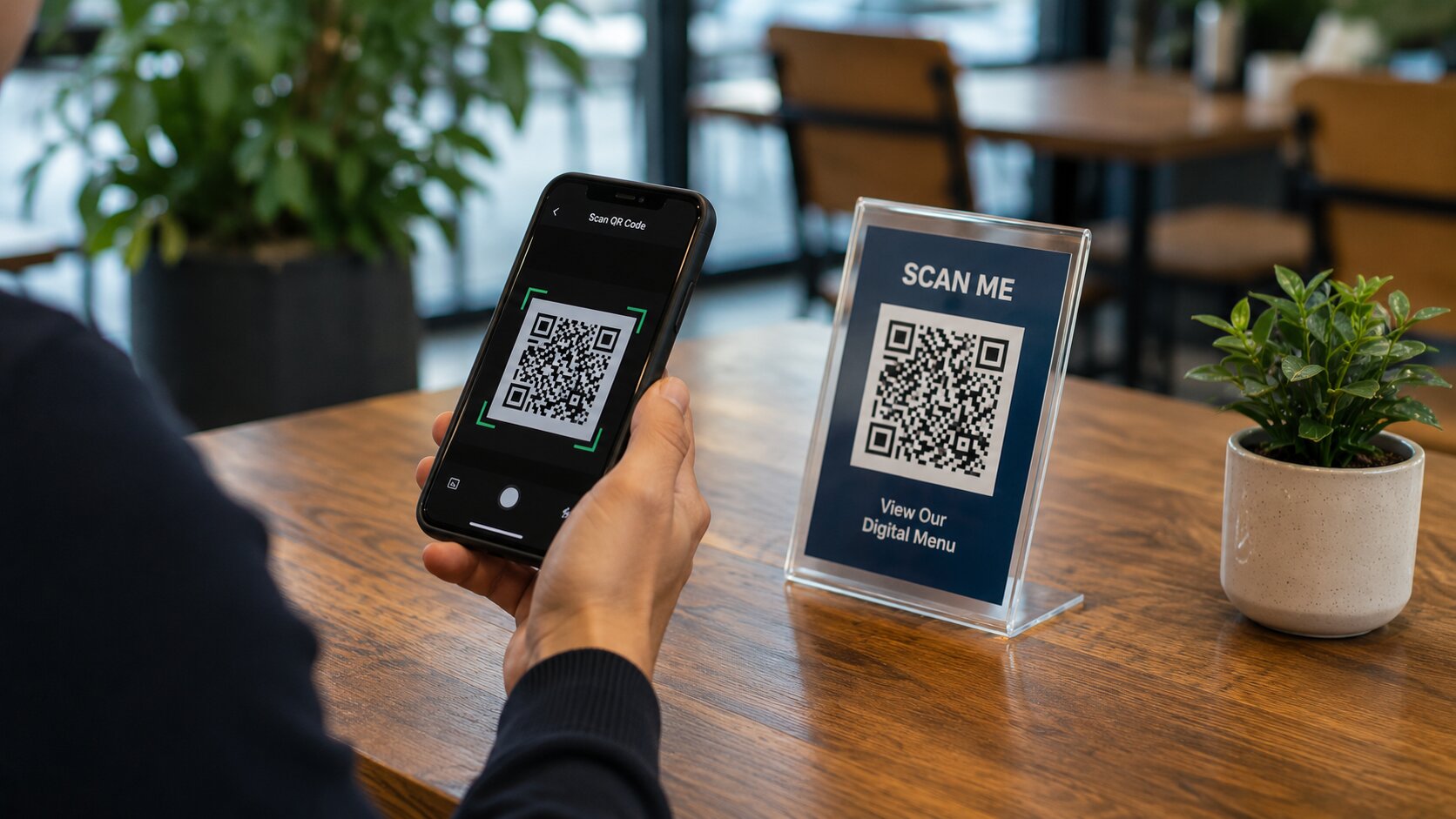
How to Test a QR Code Before Printing
June 13, 2026
Printing a QR code without testing it first can lead to expensive mistakes. Whether you're creating business cards, posters, restaurant menus or product packaging, it's important to verify that your QR code works correctly before it goes to print.
A few minutes of testing can save time, money and frustration later on.
Why Testing Matters
Even if a QR code looks correct, there are several reasons it may fail when users attempt to scan it.
- Incorrect destination URLs
- Typing mistakes in stored data
- Poor image quality
- Low contrast between colors
- QR codes printed too small
Step 1: Scan the QR Code Yourself
Before anything else, scan the QR code using your own phone. Confirm that it opens the correct webpage, displays the correct information or performs the intended action.
Repeat the scan multiple times to ensure consistent results.
Step 2: Test Multiple Devices
Different smartphones use different camera systems and QR scanning software. A QR code that works perfectly on one device may not perform as well on another.
Try scanning with:
- iPhones
- Android phones
- Older smartphones if available
- Built-in camera apps
- Third-party QR scanner apps
Step 3: Check the Destination
Verify that the destination page loads correctly and works on mobile devices. Slow-loading pages or broken links can create a poor user experience even if the QR code itself scans correctly.
Step 4: Print a Sample
Always print a test version before placing a large order. Screens and printed materials can behave very differently.
Check whether the QR code remains sharp and readable when printed at the intended size.
Step 5: Test Scanning Distance
The larger the viewing distance, the larger the QR code should be.
For example:
- Business cards can use smaller QR codes
- Posters require larger QR codes
- Outdoor signage may need significantly larger codes
Stand at realistic viewing distances and confirm the code can still be scanned easily.
Step 6: Check Contrast and Colors
QR codes work best with strong contrast. Dark codes on light backgrounds generally provide the most reliable scanning experience.
Avoid low-contrast combinations that may look attractive but reduce scan reliability.
Common Mistakes to Avoid
- Printing QR codes too small
- Using blurry or compressed images
- Placing codes on reflective surfaces
- Using poor color contrast
- Skipping real-world testing
Final Thoughts
Testing a QR code before printing is one of the simplest ways to avoid costly mistakes. A QR code may only take seconds to create, but proper testing ensures it delivers a smooth experience for every user.
By checking functionality, print quality and scan performance across multiple devices, you can be confident that your QR code will work exactly as intended.
Ready to create your own QR code? Try our free QR Generator and get started in seconds.