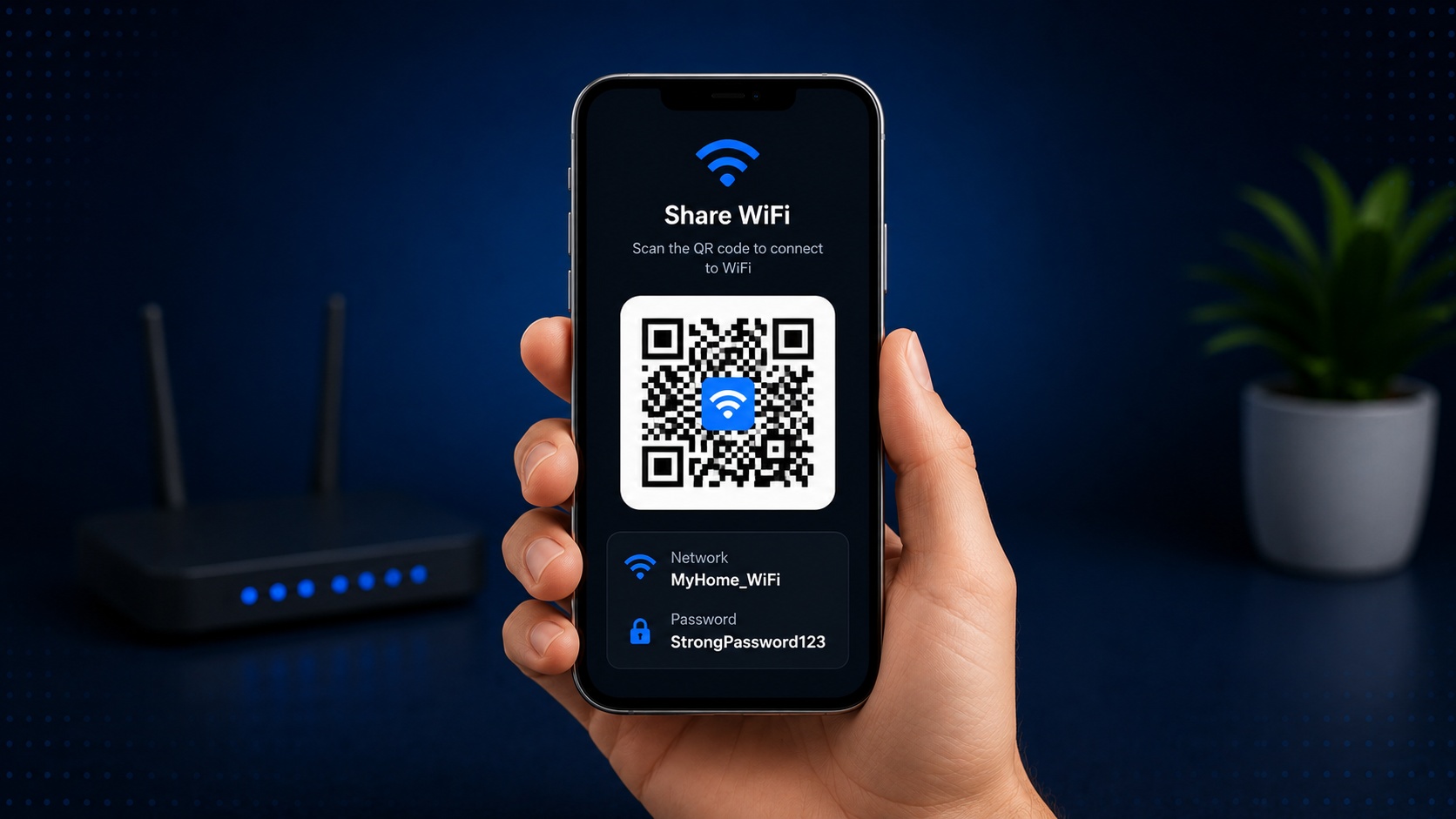
How to Create a WiFi QR Code
June 13, 2026
WiFi QR codes are one of the easiest ways to help guests, customers and visitors connect to your wireless network. Instead of typing a long password manually, users can simply scan a QR code and join your network instantly.
What Is a WiFi QR Code?
A WiFi QR code stores your network name (SSID), password and security type inside a scannable QR code. Modern smartphones can recognize this information automatically and connect to the network in seconds.
Benefits of Using WiFi QR Codes
- Instant network access
- No password typing required
- Reduces connection mistakes
- Perfect for guests and customers
- Works on most modern smartphones
How to Create a WiFi QR Code
- Open the EasyQRCode WiFi QR Generator.
- Enter your network name (SSID).
- Select your WiFi security type.
- Enter your password.
- Generate your QR code.
- Download or print it.
Where Can You Use One?
WiFi QR codes are commonly used in homes, offices, restaurants, hotels, cafés, Airbnb properties and waiting rooms where visitors regularly need internet access.
Final Thoughts
Creating a WiFi QR code is a simple way to improve convenience and eliminate the frustration of manually entering passwords. With a single scan, users can connect securely and instantly.
Looking to create your own? Visit our WiFi QR Generator and generate one for free.